How to Convert YouTube to MP3 and Create Audio Content for Every Platform
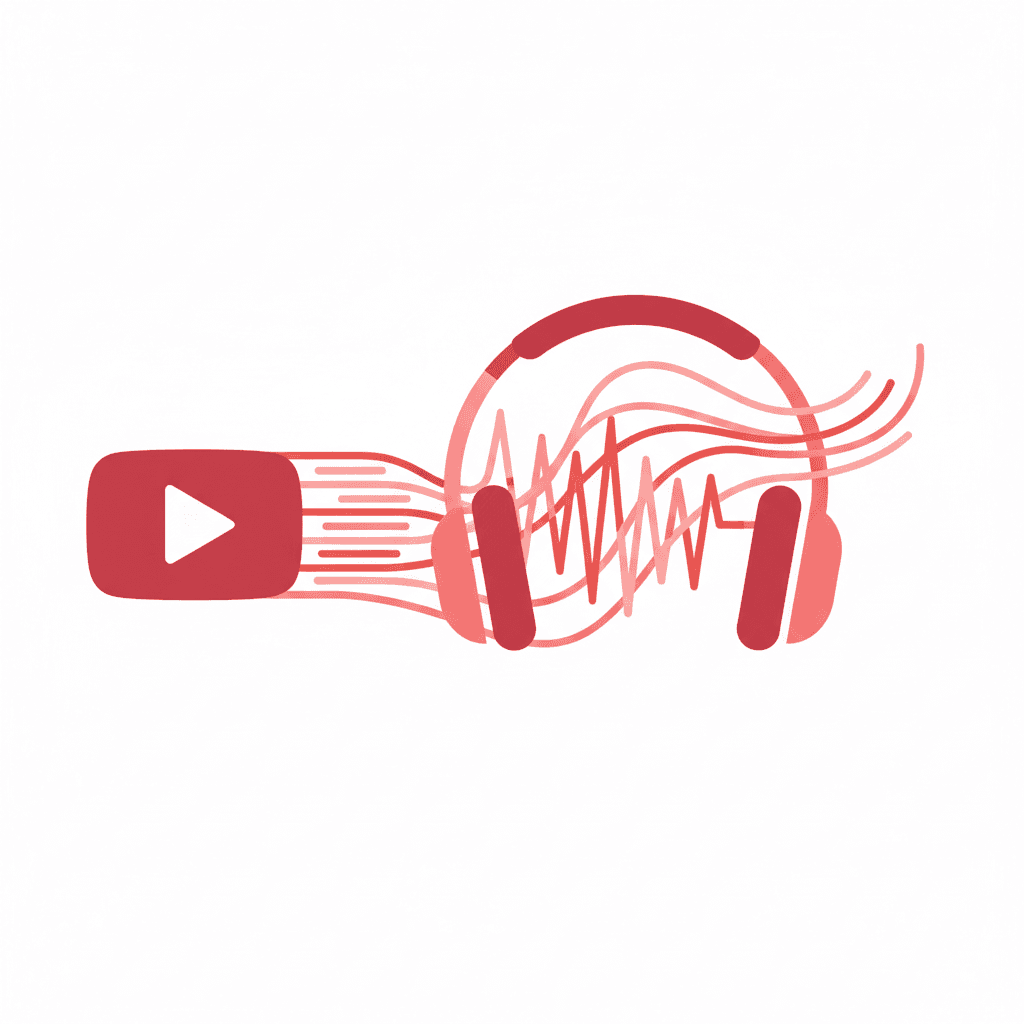
YouTube is actually one of the best audio libraries on the internet. Conference talks, long-form interviews, panel discussions, lectures from university courses that cost $50,000 to attend. Most of it freely accessible. But accessing it usefully requires more than just watching.
Extracting the audio as MP3 changes what you can do with it. You can listen offline, run it through a transcription tool, and work from actual text rather than trying to reconstruct ideas from memory 48 hours later. And for content repurposing, working from a transcript beats working from memory by a lot.
The Simple Case for MP3 Extraction
Three reasons I use this regularly:
Offline listening
A 45-minute conference talk is painful to watch at a desk. As an MP3, I can listen during a commute or walk and actually absorb it. For professionals consuming a lot of educational content, this is genuinely useful.
Building a reference library
If you're staying current in a fast-moving field, downloading the best talks and interviews creates a searchable local library. YouTube videos disappear. Channels get deleted. Having local copies of the most useful material is just good practice.
Content repurposing source material
This is where most of the leverage is. A 30-minute interview contains 5,000 words of dense, quotable content. Extracting that audio, trimming it to the best segments, and transcribing the highlights gives you source material for a full week of social posts. Most people watch these videos and take nothing actionable from them. The audio workflow changes that.
How to Get the MP3 with RipTube
RipTube is free, browser-based, and requires no account. Copy the YouTube URL, paste it in, select MP3, and download. The file lands on your device in seconds.
There's also a built-in trimmer, which I find myself using constantly. For a 60-minute podcast episode where the one good segment is between 18:30 and 24:15, there's no reason to download the whole thing. Set the start and end points, download only the clip. No separate editing software needed.
The Audio-to-Social Workflow
Here's exactly what I do with a downloaded audio file.
Step 1: Download and trim
Grab the MP3 with RipTube. For long content, identify the 2-4 strongest segments before downloading. A 45-minute interview usually has 3 or 4 genuinely good moments. Trim to those.
Step 2: Transcribe the key segments
Run the clips through a transcription tool (Otter.ai, Descript, or even the free Whisper model). You don't need a word-for-word transcript of everything. Focus on pulling: the core arguments, notable quotes, any data points mentioned, step-by-step frameworks, and moments where the speaker pushed back on conventional thinking.
This takes about 15 minutes for 4 clips of 3-5 minutes each. Much faster than rewatching.
Step 3: Paste into Reslice
Take your transcribed highlights and paste into Reslice. Select platforms. What comes back is adapted for each one automatically: X threads for the data points, LinkedIn storytelling posts for the personal moments, Instagram captions with the right conversational tone, TikTok scripts from the most visual segments.
Step 4: Review and schedule
Add context only you have ("I worked with this client's company last year and this is exactly what they struggled with..."), tweak any outputs that feel off, schedule across the week.
What the Numbers Look Like
I ran this workflow on a 30-minute interview between two SaaS founders recently. Trimmed to four segments, transcribed the highlights, ran through Reslice. Here's what I got:
Segment 1 (growth framework, 4 minutes): 1 X thread, 1 LinkedIn post, 1 Instagram caption. Three posts.
Segment 2 (surprising churn stat, 2 minutes): 1 X post, 1 LinkedIn post, 1 Facebook discussion prompt. Three posts.
Segment 3 (founder story about almost quitting, 5 minutes): 1 LinkedIn storytelling post, 1 TikTok script, 1 Instagram caption. Three posts.
Segment 4 (pricing lessons, 3 minutes): 1 X thread, 1 email draft, 1 YouTube Shorts script. Three posts.
That's 12 platform-specific posts from one 30-minute video. Added 3 standalone quote posts from smaller moments. Total: 15 posts. That's a full week of daily content on three platforms, produced in about 90 minutes of total work.
What Makes Audio Particularly Good for This
Audio content is denser than written content, especially interviews and panel discussions. Speakers tend to be more direct, more personal, and more willing to say things they might soften in writing. That rawness is exactly what performs on social media. The best LinkedIn posts I've written for clients have come from audio clips where someone said something genuinely unguarded.
The podcast repurposing guide covers the broader strategy here. The RipTube step is just the fastest way to get audio from YouTube into that workflow without needing your original recording files.
One More Practical Note on the Batching Approach
Don't process videos one at a time. Save YouTube URLs throughout the week, batch-download at the start of your content session, trim and transcribe everything, then run it all through Reslice at once. Processing four videos in a 90-minute block is much faster than doing each one separately across four days.
Reslice has a free tier to start with, and paid plans from $4.99/month if you want to scale the workflow up.
Turn this article into social posts
Paste any content into Reslice and get platform-ready posts for X, LinkedIn, Facebook, and more in seconds.
Try Reslice FreeZoe Albrecht | Video & Audio Producer
Zoe started out producing YouTube videos and gradually became more interested in how video content translates across platforms. She knows audio hooks, watch-time curves, and repurposing workflows better than most. She now consults for creators making the jump from long-form to short-form.