How to Repurpose Your YouTube Videos for Social Media in 2026
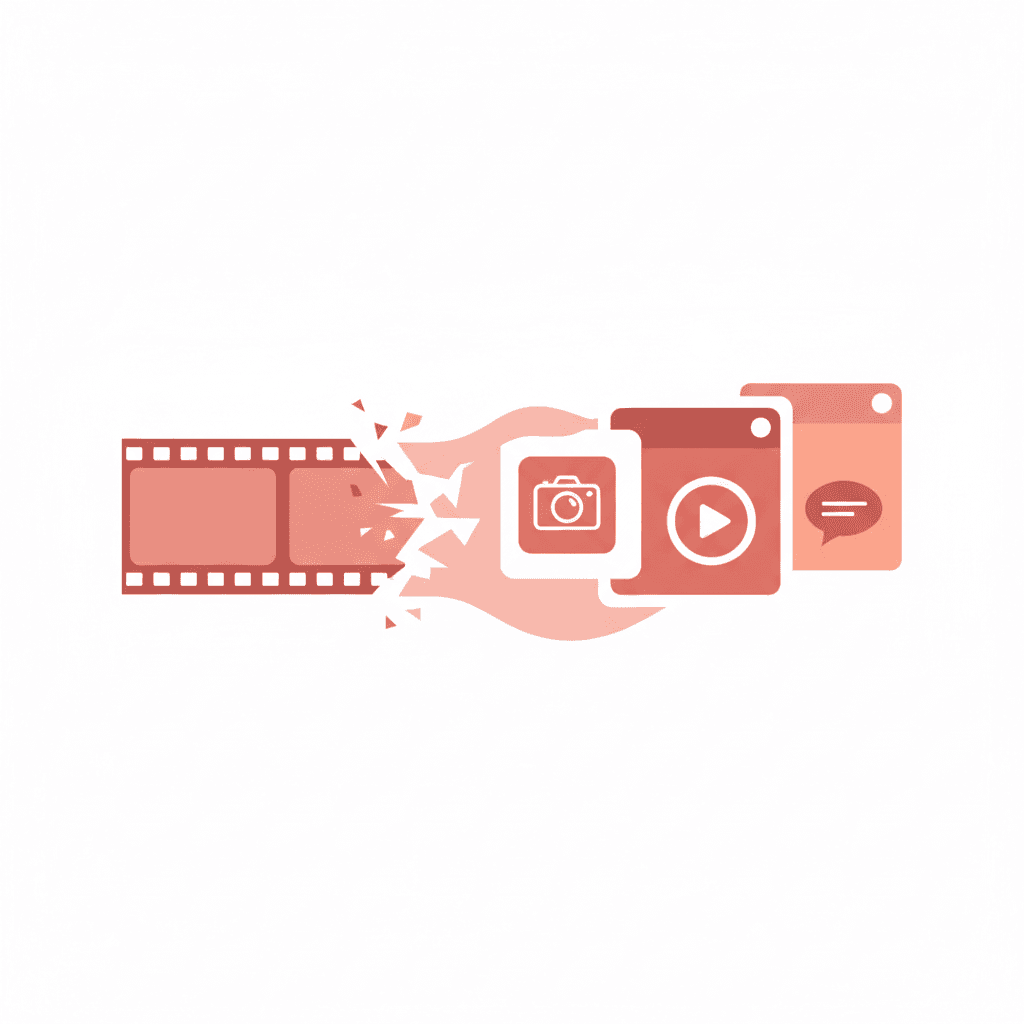
I used to tell my clients the same thing over and over: stop treating your YouTube channel like it exists in its own universe. For about two years, I watched a client with a genuinely great cooking channel post a new 20-minute video every week and then do nothing with it. No clips. No written content. No cross-posting. Just waiting for YouTube search to bring people in.
When I finally got them to try a proper repurposing workflow, their Instagram following doubled in 4 months. Same content. Way more reach. Here's what the process actually looks like.
Why YouTube Videos Are Your Best Content Asset
Think about what goes into a YouTube video. You've scripted something (or at least outlined it), recorded yourself explaining it in depth, edited it, and uploaded it. That's a substantial piece of work. And if it's a 15-minute video, you've got probably 2,000-3,000 words of spoken content sitting there, waiting to be extracted.
Compare that to writing a LinkedIn post from scratch. Same information, but you're starting from zero instead of pulling from something that already exists. Repurposing isn't lazy. It's efficient.
The question isn't whether you should repurpose your videos. It's how to do it without the output sounding like a transcript nobody asked for.
Step One: Extract the Core Content
Start with the transcript. YouTube auto-generates captions on most videos, and you can download those. They're imperfect but usable. If you're using a platform like Reslice, you can paste the transcript and generate platform-specific content from it directly.
Before you generate anything, identify the 3-5 strongest moments in the video. The places where you said something genuinely useful, surprising, or counterintuitive. Those moments are what make content shareable. The rest of the video is context. Those moments are the payload.
For a 20-minute cooking video, that might be: the unexpected technique in the first five minutes, the explanation of why a common method is wrong, and the plating tip at the end. Three moments. That's three separate pieces of content.
Platform-by-Platform Breakdown
LinkedIn works best with thought-leadership framing. Take one of your strong moments and turn it into a personal reflection. "I've been making risotto wrong for three years. Here's what I learned." That framing performs better than "Watch my new video." Give the insight away directly. People who want more will find the video.
One LinkedIn post per video is realistic. Two if the video covers distinct topics.
X (Twitter)
X is good for one-liners and threads. If you have a strong opinion or a surprising fact from your video, that's a single post. If you have a process, that's a thread. Keep threads to 5-7 posts. Anything longer loses people by the third post, in my experience.
The hook matters more on X than anywhere else. Your first line decides everything. "Most people add salt at the wrong time" will outperform "Thread: how to cook pasta correctly" every single time.
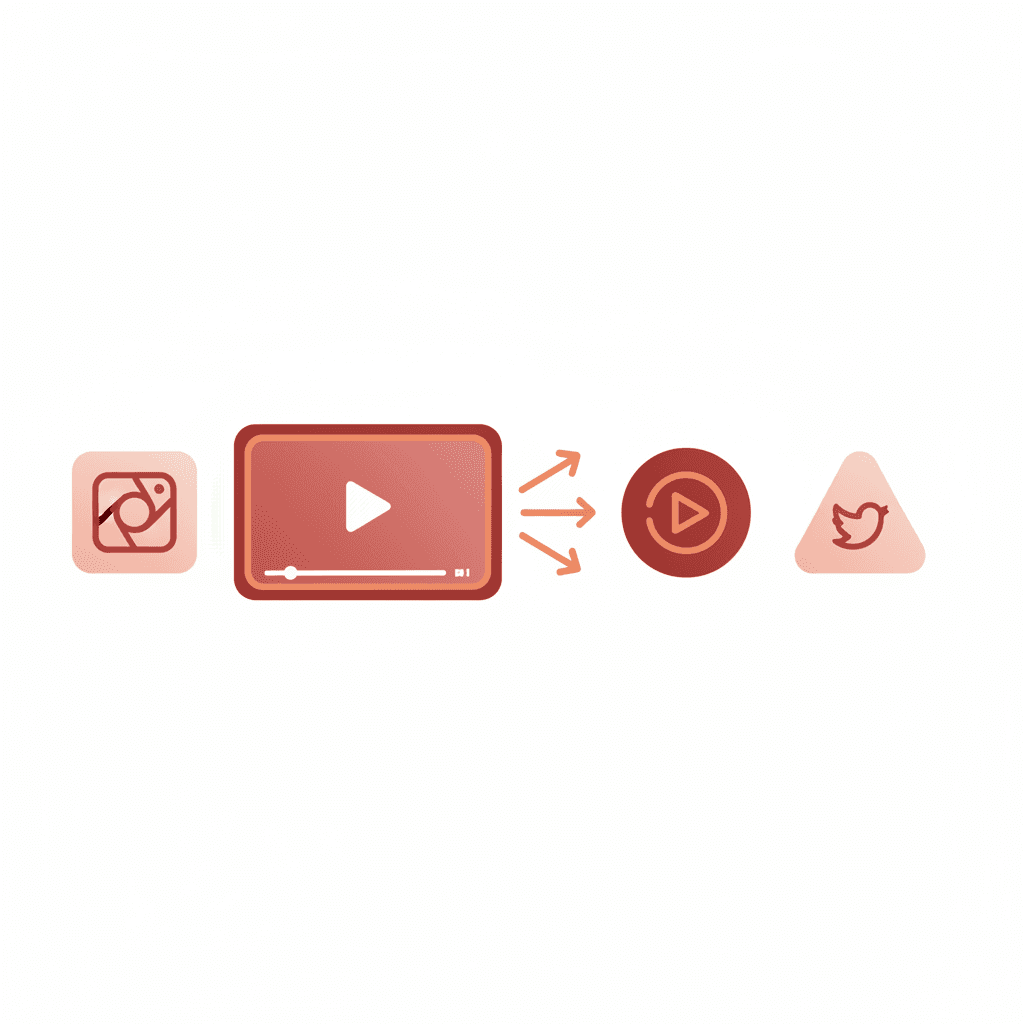
For Instagram, you've got two useful formats from a YouTube video. Short clips under 90 seconds work as Reels. Pull the most visually interesting or practically useful moment, clip it, add captions (captions aren't optional if you want watch time), and post it. Separately, if your video has a clear process, turn it into a carousel. Each step gets a slide. This format consistently drives saves, which the algorithm rewards.
TikTok
TikTok requires more work than just clipping. The platform rewards content that feels native to TikTok, and a YouTube clip usually doesn't. What works better is writing a new short script inspired by something from your video. Use the video as source material, not as footage to cut. The hook needs to land in the first 2-3 seconds. If you're repurposing a cooking video, your TikTok might start with the result: "This took me 10 minutes and it looks like I spent an hour on it."
Email Newsletter
If you have a newsletter, your YouTube video can become your next issue. Summarize the main points, quote a few good moments, and link to the full video at the end. Your subscribers get value even if they don't watch. I've seen email click-through rates on video content sit around 12-18%, which is solid.
The Workflow That Actually Works
Here's the sequence I use for clients. First, upload the video to YouTube and wait for captions to generate (usually a few hours). Download the transcript and clean it up enough to be readable. Paste it into Reslice and generate drafts for LinkedIn, X, and email. Review and edit those for voice. Separately, go back to the video and identify the 60-90 second clip for Instagram Reels. Write a fresh TikTok script if TikTok is part of the plan.
Total time for me is usually 45-60 minutes per video. That's turning one piece of work into 6-8 pieces of content. The math is good.
What Not to Do
Don't post the same caption everywhere. LinkedIn people want professional framing. Instagram people want to be entertained or taught something practical. X people want to be surprised or to strongly agree. Write for each platform, even if the underlying content is the same.
Don't repurpose every video. Some videos are context-heavy or only make sense in full. If your video is a 45-minute tutorial, the repurposed pieces need to stand alone. If they can't, pick a different video.
And don't skip the editing step on AI-generated drafts. Tools like Reslice will get you 80% of the way there. You still need to read the output and make sure it sounds like you.
How Often Should You Repurpose?
Every video. If you're making the effort to produce YouTube content, you should be extracting every reasonable piece from it. One video per week can realistically generate 6-10 pieces of content. That's a full content calendar from a single production effort. For my clients who've committed to this, the numbers back it up.
If you want to see how quickly this works, try pasting a YouTube transcript into Reslice. The platform-specific drafts come out in about 30 seconds. The editing still takes time, but you're editing instead of writing from nothing, and that changes how the whole process feels.
Turn this article into social posts
Paste any content into Reslice and get platform-ready posts for X, LinkedIn, Facebook, and more in seconds.
Try Reslice FreeZoe Albrecht | Video & Audio Producer
Zoe started out producing YouTube videos and gradually became more interested in how video content translates across platforms. She knows audio hooks, watch-time curves, and repurposing workflows better than most. She now consults for creators making the jump from long-form to short-form.